
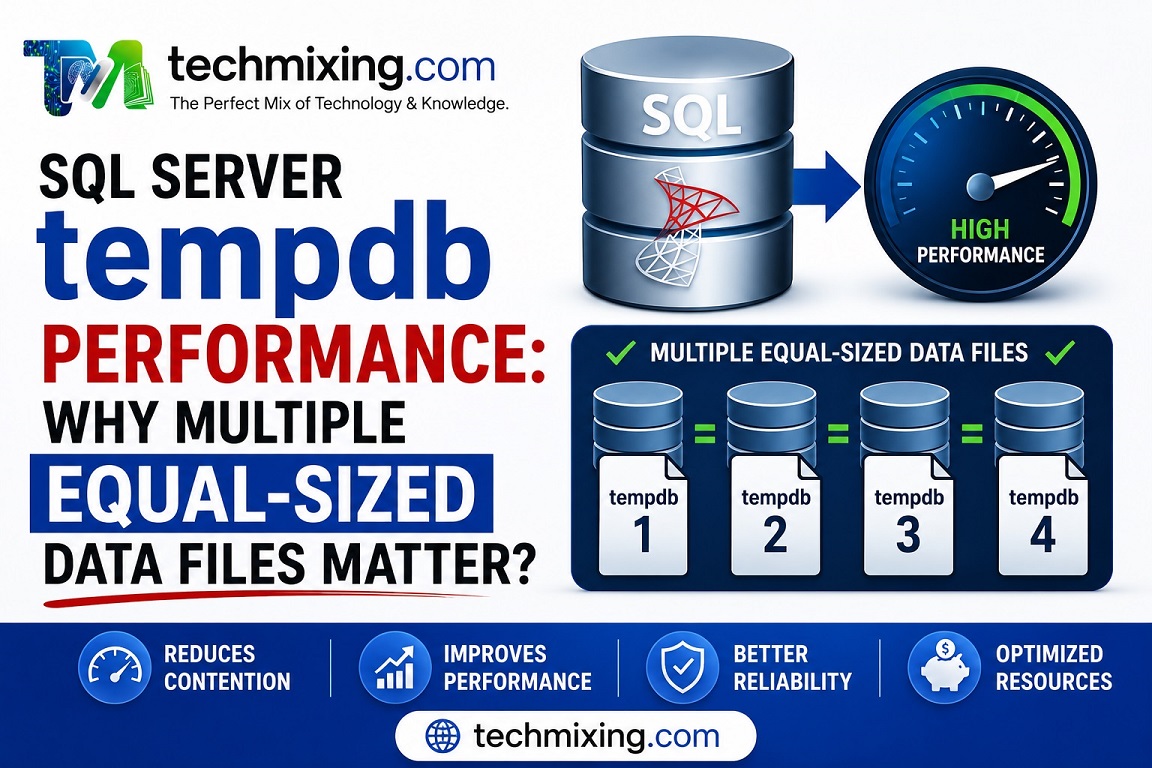
If a busy SQL Server instance has tempdb allocation contention, one of the first things to review is whether tempdb has multiple equally sized data files.
For SQL Server 2016 and later, Microsoft recommends starting with one tempdb data file per logical processor up to eight files. If contention continues, add files in groups of four and reassess rather than blindly creating a large number of files.
The important word is equally sized.
Multiple files with different sizes can defeat the purpose because SQL Server’s proportional-fill behavior favors files with more free space.
Real-World Example
Suppose a production server has 8 logical processors and tempdb currently has:

tempdev 100 GBtempdb2 10 GBtempdb3 10 GBtempdb4 10 GB
Simply having four files doesn’t mean tempdb is optimally configured.
A better starting point would be 8 equally sized data files, with sizing based on the workload’s actual tempdb requirements.
You can first inspect the current configuration:
USE tempdb;GOSELECT name AS file_name, type_desc AS file_type,size*8.0/1024AS size_mb,CASEWHEN is_percent_growth =1THENCAST(growth ASvarchar(20)) +'%'ELSECAST(growth *8.0/1024ASvarchar(20)) +' MB'ENDAS filegrowthFROM sys.database_filesORDERBY type_desc, file_id;
Microsoft’s current tempdb documentation recommends keeping the data files the same size and using the same growth parameters.
Example Configuration
For an 8-core server, a simplified example could look like:
ALTER DATABASE tempdbMODIFY FILE( NAME = tempdev,SIZE=8192MB, FILEGROWTH =512MB);
Then additional data files can be added with the same size and growth settings:
ALTER DATABASE tempdbADD FILE( NAME = tempdev2, FILENAME ='T:\SQLData\tempdb2.ndf',SIZE=8192MB, FILEGROWTH =512MB);
Repeat for the remaining files, adjusting the physical paths to match your environment.
Important: Don’t copy these sizes blindly into production. Tempdb sizing should be based on observed workload requirements, available storage, and expected growth. Microsoft recommends preallocating enough space for normal workload while retaining autogrowth as protection against unexpected growth.
Best Practices
- Start with up to 8 equally sized data files, based on logical processors and workload.
- If allocation contention remains, increase the number in groups of four and reassess.
- Keep all tempdb data files the same size.
- Keep their FILEGROWTH settings the same.
- Prefer fixed-size growth increments rather than percentage growth for predictable sizing.
- Pre-size tempdb for normal workload instead of relying on frequent autogrowth.
- Monitor tempdb contention before and after changes.
- Don’t assume that adding more files automatically improves performance.
Common Mistakes
1) “More files are always better.”
No. File count should be driven by contention and workload.
2) Creating files with different sizes.
For tempdb, unequal data-file sizes can create allocation imbalance.
3) Setting tiny autogrowth values.
If tempdb repeatedly grows in small increments, you can introduce unnecessary overhead. Pre-size appropriately and use a sensible fixed growth increment.
4) Automatically applying old trace-flag advice.
For SQL Server 2016 and later, several tempdb allocation improvements are already enabled by default, so the old blanket advice to enable trace flags 1117 and 1118 isn’t applicable in the same way.
Pro Tip
Don’t diagnose tempdb problems simply by looking at tempdb size.
A 100 GB tempdb isn’t necessarily a problem, and a 10 GB tempdb isn’t necessarily healthy.
Look separately at:
Size → Growth → Space utilization → Allocation contention → I/O → Workload
For example, if you see PAGELATCH_UP waits associated with tempdb allocation pages, that’s a much stronger reason to investigate allocation contention than simply seeing that tempdb is large. Microsoft specifically recommends evaluating allocation contention and then adjusting file configuration based on what you observe.
Read more articles on SQL server & Azure SQL
What are temporal tables in SQL and how to use them for historical data tracking?
CTEs vs Temp Tables vs Derived Tables: Which One Should You Use?
Execution Plan Analysis: CTEs vs Temp Tables vs Derived Tables
Temp Table vs Global Temp Table vs Temp Variable: The Ultimate Performance Comparison
SQL Server Execution Plans Explained: A Beginner’s Guide for DBAs and Developers
Top 50 Azure SQL Execution Plan Interview Questions and Answers (Beginner to Advanced)
For Interview Questions on SQL SQL Server, Azure SQL, Performance Tuning, Security, and DBA, click the link below:-
https://www.techmixing.com/interview-questions-2
Explore the Complete TechMixing Article Sitemap – Click the Link Below
https://www.techmixing.com/site-map
Discover more from Technology with Vivek Johari
Subscribe to get the latest posts sent to your email.

