
Restrict Database Access Using Azure SQL Firewall Rules
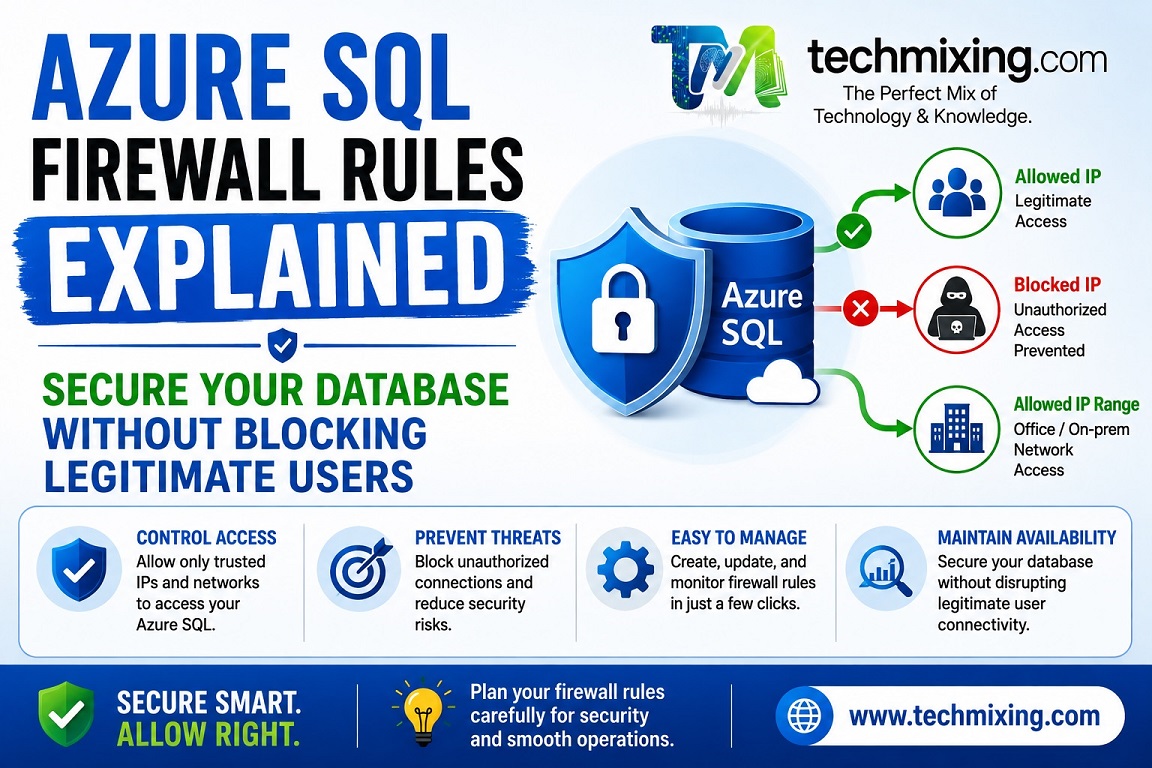
One of the easiest ways to improve your Azure SQL Database security is to allow connections only from trusted IP addresses.
Instead of exposing your database to the entire internet, configure firewall rules to permit access only from:
- Your office network
- VPN gateways
- Azure services (only if required)
- Trusted application servers
This significantly reduces your attack surface.
Short Explanation
Every connection to an Azure SQL Database is checked against its firewall rules before authentication.
If the client’s IP address isn’t allowed, the connection is rejected—even if the correct username and password are provided.
This provides an important first layer of defense against unauthorized access.
Real-World Example
A financial services company migrated its reporting database to Azure SQL.
Initially, the firewall was configured to allow connections from all office locations and developers’ home IPs. Over time, unused rules accumulated, including IPs from former contractors.
During a quarterly security review, the DBA:
- Removed obsolete firewall rules.
- Restricted access to the corporate VPN.
- Enabled Microsoft Entra ID authentication.
- Reviewed firewall changes regularly.
The result was a more secure environment with fewer potential entry points.
Why It Matters
Proper firewall configuration helps:
- Prevent unauthorized connection attempts.
- Reduce exposure to brute-force attacks.
- Improve compliance with security standards.
- Support a defense-in-depth strategy.
- Protect production databases from unnecessary internet exposure.
Firewall rules should be your first security checkpoint, not your only one.
Pro Tip
Don’t rely solely on firewall rules.
For a stronger security posture, combine them with:
- Microsoft Entra ID authentication
- Least-privilege access
- Private Endpoints (for production workloads)
- Auditing and Defender for SQL
- Multi-factor authentication for administrators
Security works best in layers.
Read more articles on SQL server & Azure SQL
SQL Server Execution Plans Explained: A Beginner’s Guide for DBAs and Developers
Top 50 Azure SQL Execution Plan Interview Questions and Answers (Beginner to Advanced)
Top 50 Azure SQL Data Security Interview Questions and Answers (Beginner to Advanced)
SQL Server Security Best Practices: From Logins to Encryption
Azure Cloud Data Security: Multi-Layered Protection Explained (IAM, Encryption, and Compliance)
For Interview Questions on SQL SQL Server, Azure SQL, Performance Tuning, Security, and DBA, click the link below:-
https://www.techmixing.com/interview-questions-2
Explore the Complete TechMixing Article Sitemap – Click the Link Below
https://www.techmixing.com/site-map
Discover more from Technology with Vivek Johari
Subscribe to get the latest posts sent to your email.


